Resource Topic
ElderSuite support, Ask Eddie, updates, account information, and troubleshooting resources.
Keep exploring
Open About ElderSuite from Help Center Related Activities to read this computer's version, framework, and provider account data set—or clear cached photos with Clear Cache.
Open the Setup Wizard from the provider list before sign-in to create an account or authorize this computer with Create Account, Authorize Device, or Start Setup Wizard.
Microsoft Edge shows a SmartScreen warning on ElderSuiteSetup.exe because ElderSuite's renewed code-signing certificate is still building download history. Three clicks — Keep, then Keep anyway — and the install proceeds.
ElderSuite scans from almost any scanner Windows can see, over USB or the network. Here is what to buy, the ScanSnap exception, and what to do when the scanner list looks wrong.
The first time the ElderSuite Scan Manager opens, Windows may ask to allow ElderSuite on the network. Here is what the prompt means, what to click, and how to fix a declined prompt.
New to ElderSuite? Follow the first-week path—install, provider settings, employees, clients, attendance, then claims—with a short how-to link at each step.
Most ElderSuite freezes, slowdowns, and odd errors clear after an update, a full Windows restart, and a connectivity check—before you spend time on a ticket.
Run ElderSuiteSetup.exe from your download email, finish the installer, then Create Account or Authorize Device so staff can sign in on every computer you need.
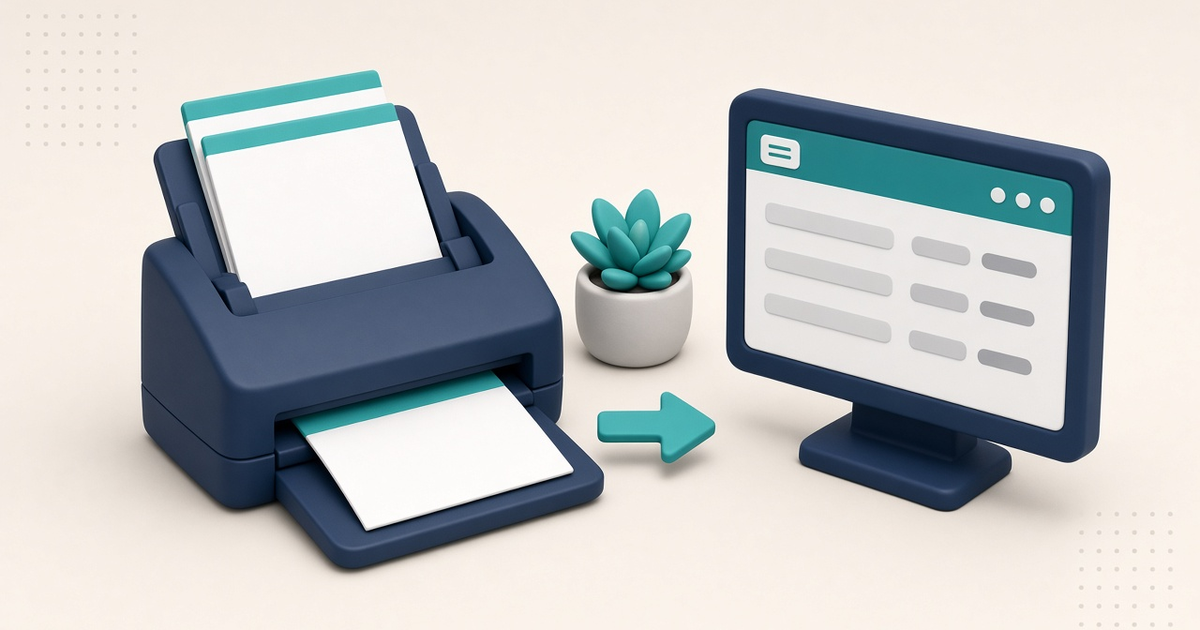
Blank or cut-off ElderSuite printouts usually mean a printer-driver issue. Confirm the report on screen, flip Enable Legacy Mode, check paper size, then try Print to PDF.
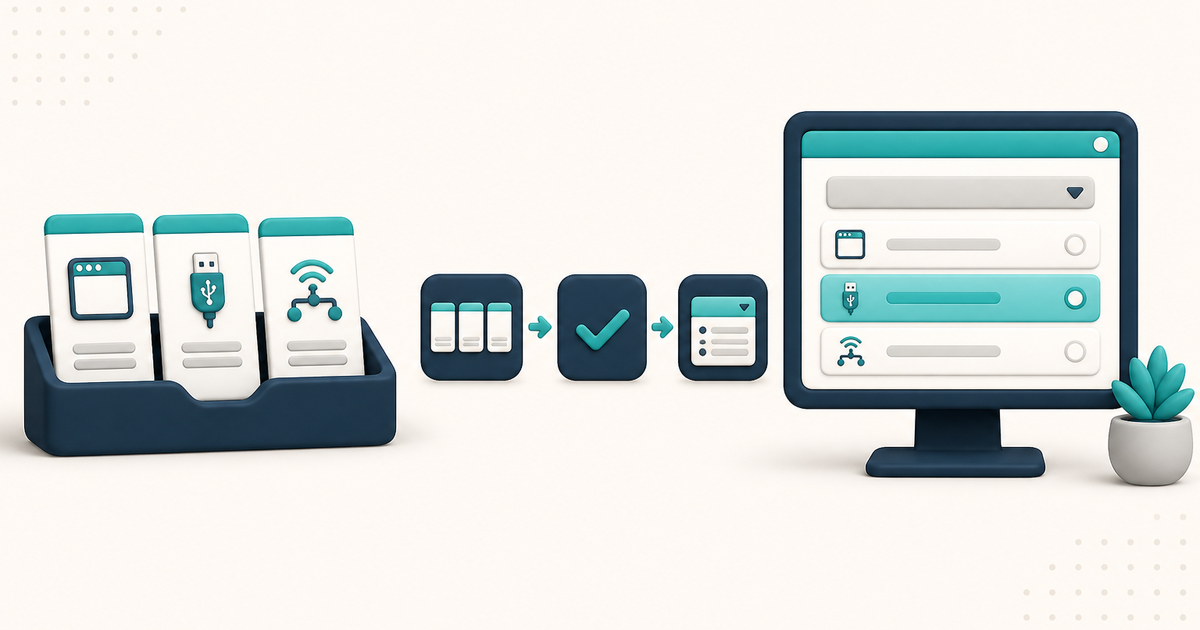
Pick the scanner in Select Scanner. One device can appear as (Windows), a bare TWAIN name, and (Network). Dedicated scanners use TWAIN; multifunction printers use Windows or Network.
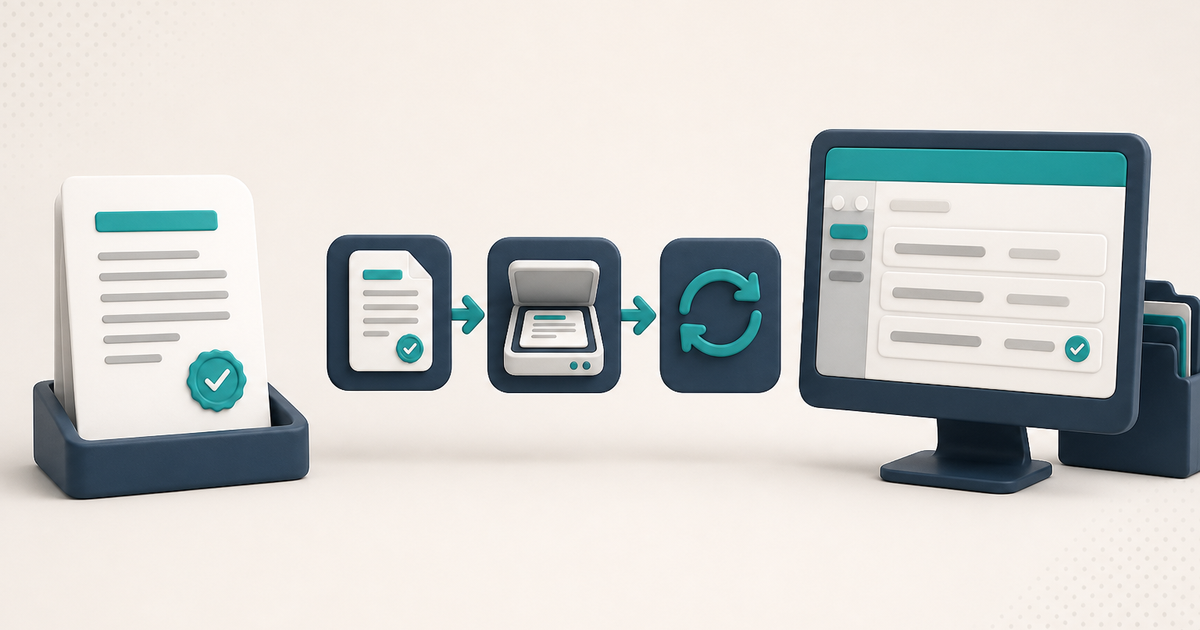
Sign & Sync opens the ElderSuite Scan Manager so a signed paper copy can be scanned into the client's documents. The paper is signed first; the command files that signed copy.
Ask Eddie is ElderSuite's built-in support assistant for finding screens, learning workflows, understanding reports, and troubleshooting common ElderSuite questions.