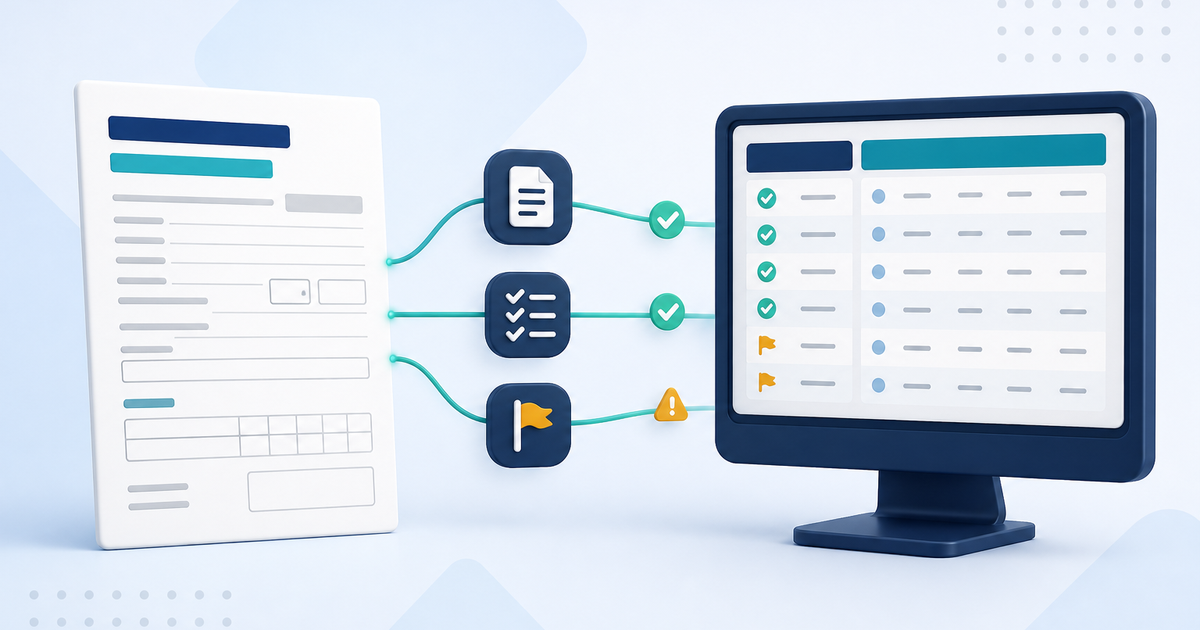
Claims preparation, scrubbing, submission, reconciliation, payer reports, and reimbursement workflows in ElderSuite.
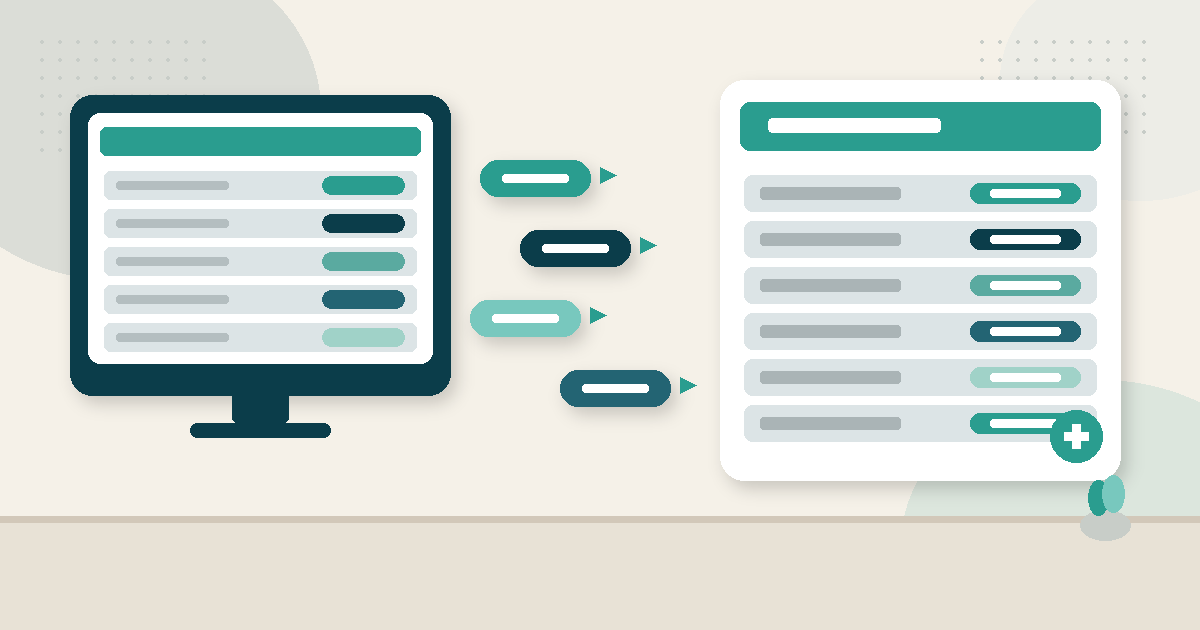
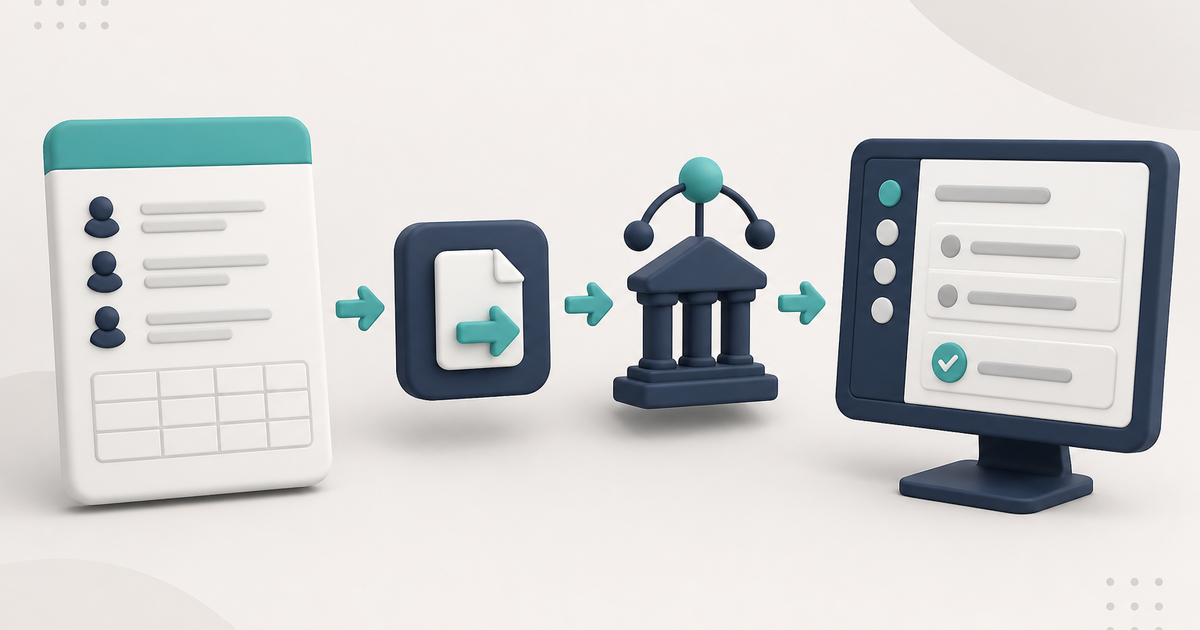
Scrub claims first in the Claim Center, then open Process Claims. Choose a payer and clearing house, click Process. Pending claims are marked Submitted after the upload succeeds.
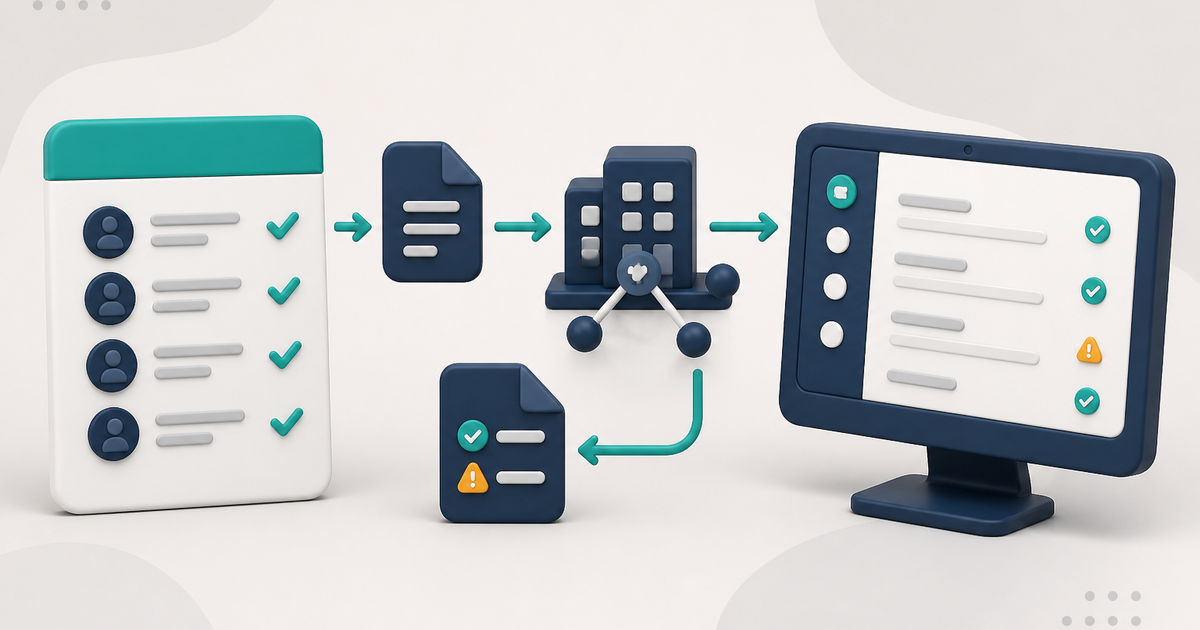
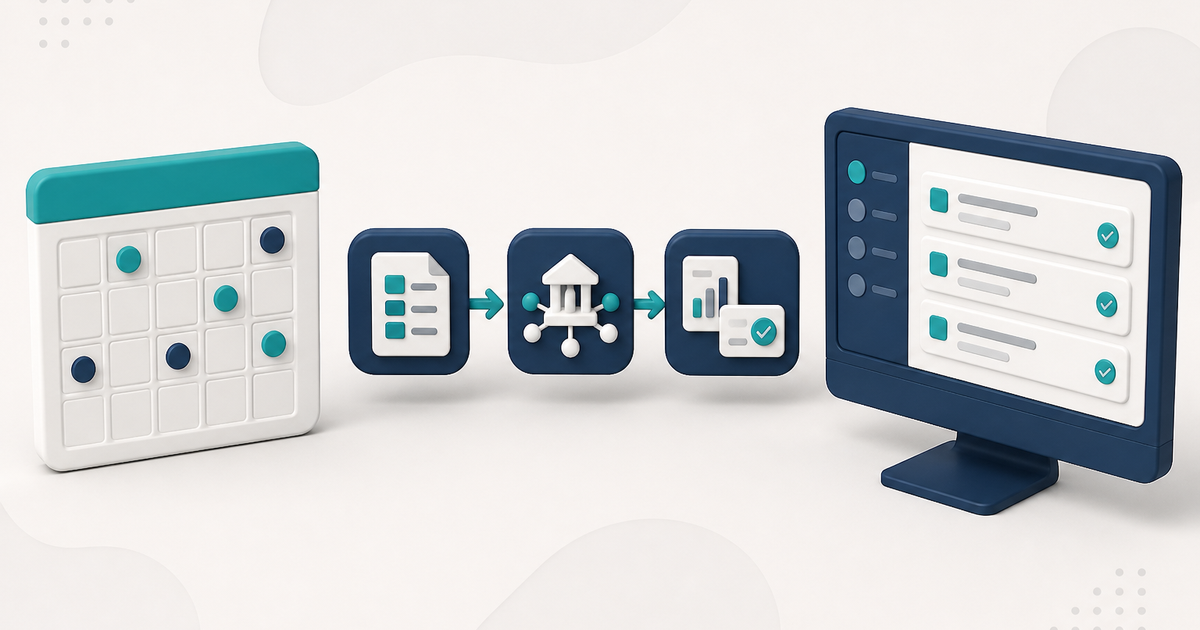
Scrub Claims copies missing billing details onto Pending claims from each client record, flags what it cannot fix, and leaves a clean, searchable list ready to send.
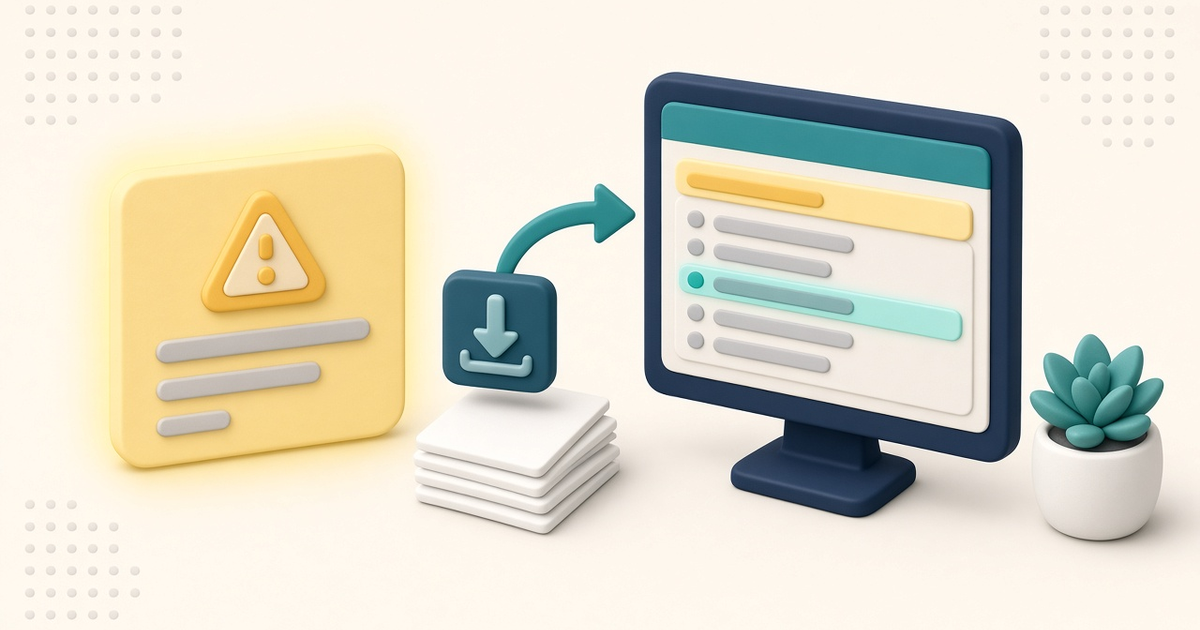
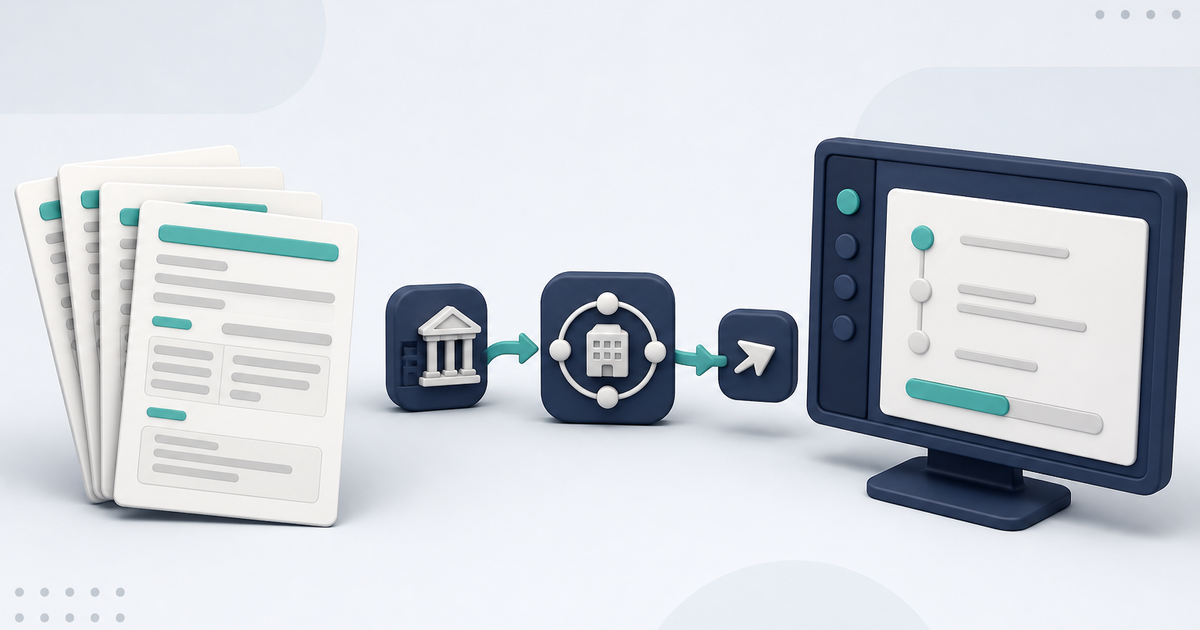
TMHP replaced VPN connectivity for batch EDI transactions with SFTP. ElderSuite users should update every billing workstation and stop using Cisco AnyConnect for TMHP claims and report downloads.
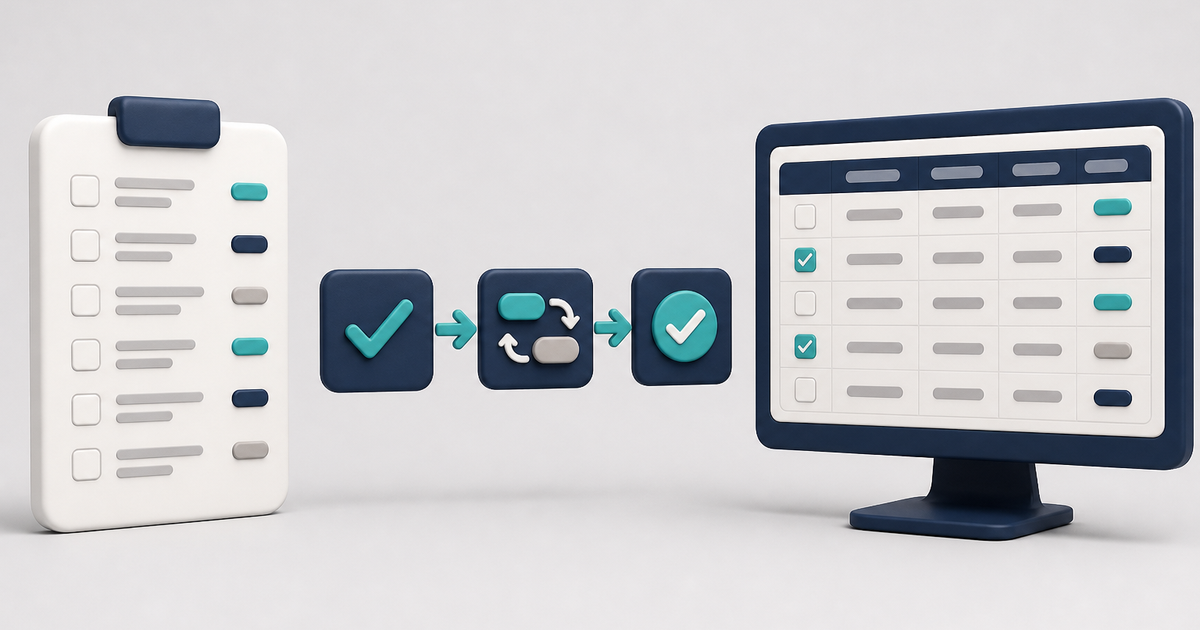
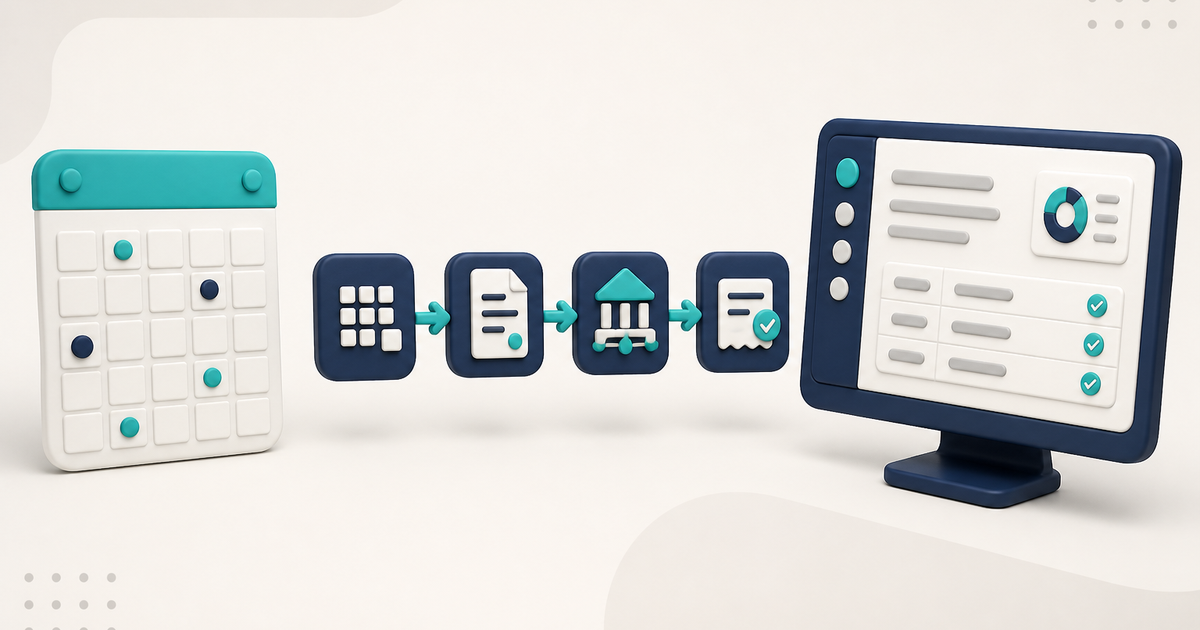
Learn how Auto Reconcile matches clearinghouse report data with ElderSuite records and automatically updates claim statuses, claim numbers, and audit notes.