
Adult Day Care Transportation Management: Routes, Attendance and Documentation
See how adult day care transportation can keep named routes, pickup order, daily pickup and drop-off times, route sheets, attendance, and billing units connected.
Watch the video walkthrough
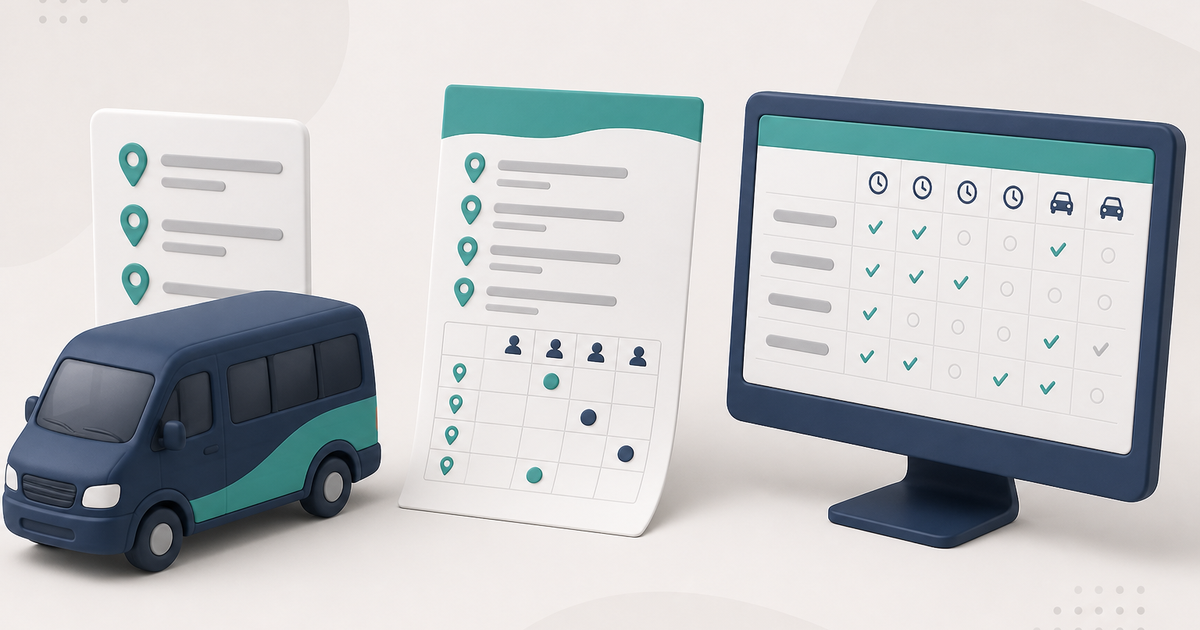
Adult day care transportation management should keep route assignments, pickup order, daily pickup and drop-off times, and the attendance record connected. A separate route list is less useful when billing later depends on different service times.
Maintain named routes and pickup order
In ElderSuite, routes are managed in the Client Center. A route can be assigned to a client, and Manage Pickup Order sets the sequence used for that route.
ElderSuite route records are intentionally simple. They are not GPS maps, vehicle-maintenance records, or driver-tracking tools.
Use Form 3682 as the daily route sheet
Daily Transportation Record - Form 3682 can be opened from the attendance workflow or the Report Center. It is the printed route sheet used for handwritten pickup and drop-off times.
The printout is a finished report, not a fillable electronic form. Current sheets include a reference in the bottom margin that helps ElderSuite match scanned handwriting back to the correct clients. Keep that margin clear.
Transportation times are the attendance times
In ElderSuite, transportation and attendance use the same Attendance & Transportation Records grid. The daily pickup and drop-off times are not maintained in a separate transportation database.
On the attendance grid, ElderSuite calculates Units from the paired times using the client’s Payment Type. When a claim is edited from Scrub Claims, the calculated Units value can be adjusted manually when needed.
Use the route filter when entering or reviewing a run
The attendance grid can be filtered by Selected Route and sorted by pickup order. This allows staff to work with one transportation run without changing the underlying daily record.
Scan handwritten Form 3682 sheets back into the grid
Scan Times reads completed Form 3682 sheets and places the recognized pickup and drop-off times onto Attendance & Transportation Records for review.
Sheets scanned in one pass must use the same service date. Blank or unreadable entries should remain blank. Staff review the imported results against the paper form, then use Save & Close to store the day.
The scan process is not a document-filing workflow. The scanned attendance pages are used to read the times; they are not stored as ordinary client documents through Scan Times.
How to Scan Attendance & Transportation Times in ElderSuite covers the operating steps.
Protect billed transportation times
Attendance times remain editable while the associated claim is Pending or has no status. Once it moves beyond Pending, those time cells become read-only for that client and service date.
This keeps the attendance and transportation record consistent after the claim has moved into later processing.
Know the limits
ElderSuite transportation features do not provide GPS tracking, turn-by-turn navigation, a mobile driver app, vehicle maintenance, or an employee time clock. They are designed to keep routes, pickup order, daily service times, and the attendance/billing record connected.
For the broader attendance workflow, read Adult Day Care Attendance Tracking: From Sign-In to Billing. To see how routes, service times, units, and claims come together in the product, visit ElderSuite attendance tracking.
Follow ElderSuite in Google
Add ElderSuite as a Preferred Source to help Google show you more of our adult day care articles, industry updates, and resources.
See how routes, service times, attendance, and billing work together in the 2026 complete guide. For help with a specific ElderSuite screen, open Ask Eddie inside ElderSuite.
ElderSuite is adult day care software for attendance, Medicaid billing, nursing documentation, and CACFP. You can try it free for 30 days.
Start a Free Trial
