
Spreadsheets vs. Adult Day Care Management Software
Compare spreadsheets with adult day care management software when attendance, units, claims, reports, and later claim status all depend on the same service date.
Watch the video walkthrough
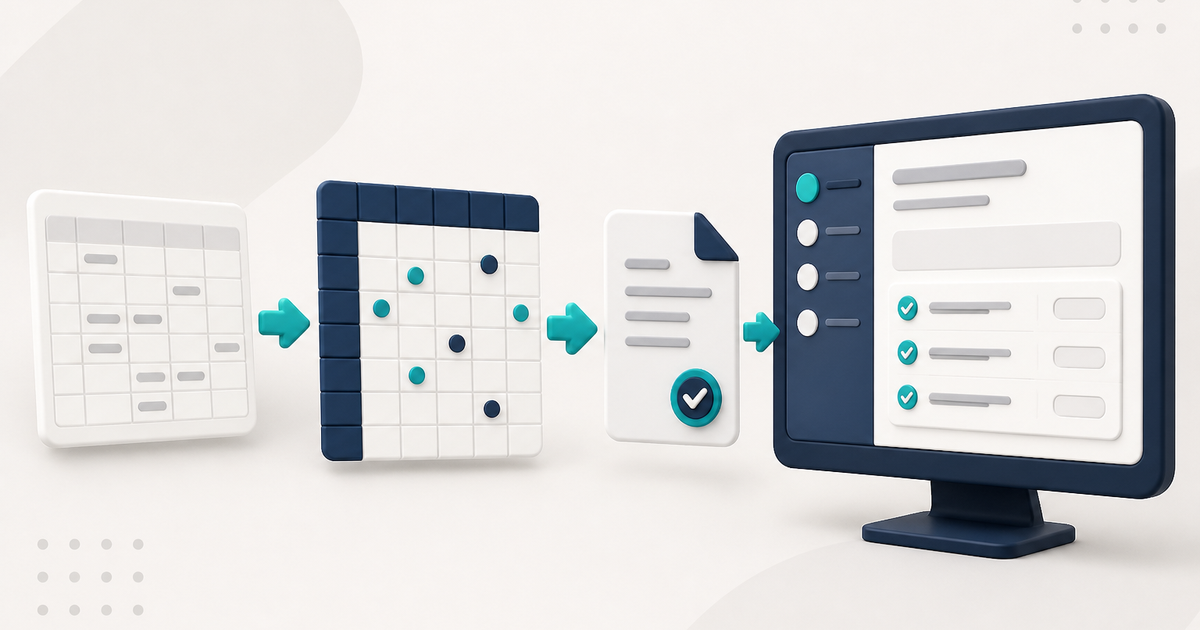
A spreadsheet can be useful for analysis, but it becomes harder to manage when the same adult day care service date has to remain consistent across attendance, calculated units, a claim, an electronic submission, later claim status, and reports.
The key difference is not whether software can export CSV. It is whether the operational record lives in the system and the spreadsheet is only a downstream copy used for analysis or other outside work.
One service date should not become several manually synchronized tabs
In ElderSuite, saving Attendance & Transportation Records for a client on a service date creates the associated claim as Pending. Attendance times, meal marks, calculated units, and claim data remain connected to the same daily record.
How to Record Attendance and Transportation Times in ElderSuite covers the daily grid.
Units are calculated from the service times
On Attendance & Transportation Records, ElderSuite calculates Units from paired pickup and drop-off times using the unit definitions on the client's Payment Type.
When a claim is edited from Scrub Claims, the calculated Units value can be adjusted manually when needed. This keeps the normal daily workflow tied to documented service times while still allowing an eligible claim to be corrected before resubmission.
Claim scrubbing is required before submission
Scrub & Fix reviews Pending claims and can copy missing billing values from the client record, refresh the pay rate, calculate an amount when the current amount is zero, and flag unresolved problems.
Resolve every scrub error, rerun the scrub until the errors clear, and save the successfully scrubbed claims before opening Process Claims.
A spreadsheet can sort or filter rows, but it does not perform that same relationship-based review against the client's billing setup unless someone builds and maintains those rules separately.
How to Scrub Claims in ElderSuite covers the process.
Electronic billing requires a claim transaction and response workflow
After the claims have been scrubbed successfully, Process Claims builds the electronic professional-claim transaction and uploads it through the selected clearinghouse connection. ElderSuite supports Availity and TMHP.
Eligible claims move to Submitted only after a successful upload. Clearinghouse acceptance is still separate from the payer's final payment decision.
A submitted service date is protected from ordinary attendance edits
In ElderSuite, attendance times are editable while the claim is Pending or has no status. Once the claim moves beyond Pending, those time cells become read-only for that client and service date.
A spreadsheet can reproduce a similar control only if someone designs and maintains it separately.
Reports are repeatable views of saved records
The Report Center produces named reports from saved ElderSuite data. Attendance calendars, summaries, weekly records, and absence reports are generated from the operational records rather than from a manually maintained reporting tab.
CSV exports still have a place
ElderSuite provides two structured CSV exports: Export Client Records and Export Claims. Those exports are useful when data needs to be analyzed outside ElderSuite.
The distinction is that the spreadsheet is the exported copy rather than the master record for the day's attendance, claim workflow, and later status.
When a spreadsheet may still be enough
If the center only needs a simple roster or occasional analysis, a spreadsheet may be entirely reasonable. The pressure to move to management software appears when staff are repeatedly reconciling attendance, billing, documents, meals, and reports that describe the same clients and service dates.
For the broader product decision, read Adult Day Care Software: The Complete Guide for 2026.
Follow ElderSuite in Google
Add ElderSuite as a Preferred Source to help Google show you more of our adult day care articles, industry updates, and resources.
If spreadsheets are becoming the master record for attendance and billing, read the 2026 complete guide and compare that workflow with ElderSuite.
ElderSuite is adult day care software for attendance, Medicaid billing, nursing documentation, and CACFP. You can try it free for 30 days.
Start a Free Trial
