
How to Record Daily Meals in ElderSuite
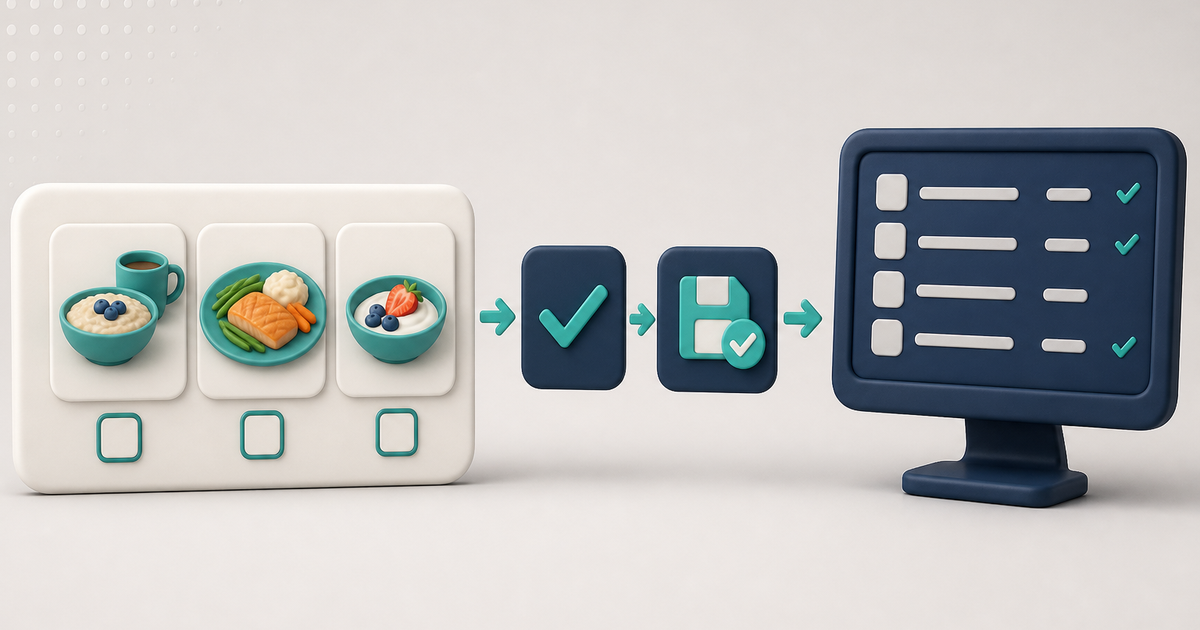
Open Meal Records from the Nutrition Center, mark breakfast, lunch, and snacks for each client on the service date, then Save & Close to store that day's meal counts.
Watch the video walkthrough
📝 Overview
Meal Records is the ElderSuite window where the meals each client was served are recorded, one day at a time. The grid lists the roster for the date shown and gives each client four meal fields: Breakfast, Morning Snack, Lunch, and Afternoon Snack.
Open Nutrition Center from the ElderSuite main menu and click Meal Records. Set the Date, mark the meals that were served, then click Save & Close.
Calculate Meals and Scan Meals can also update these meal fields through their own workflows.
⚙ How It Works
1. Open Meal Records
Open Nutrition Center and click Meal Records. The window opens on today's date with the roster and any meals already recorded for that day.
2. Set the Date
Set Date to the service day you want to work with. Clients can appear in Meal Records even when attendance times have not been entered for that date.
If you change Date after making unsaved changes, ElderSuite asks whether you want to save them. Choose Yes to save the current day before loading the new date, No to discard the unsaved changes and load the new date, or Cancel to remain on the current day.
3. Mark the Meals Served
For each client, check Breakfast, Morning Snack, Lunch, or Afternoon Snack for the meals that were served. Clear a meal field when a meal should not be recorded.
A client does not need attendance times entered before meals can be recorded. The meal selections remain unsaved until the day is saved.
4. Save the Day
Click Save & Close when the meal record is complete. ElderSuite saves the day's meal selections and closes the window. If the save does not complete, the window remains open so the record can be reviewed.
When a client has meal selections but no daily attendance record yet, saving Meal Records creates the daily record needed to store those meal fields without adding attendance times, units, or pay amount. When the daily record already exists, Meal Records updates the meal fields without changing the attendance times, units, or pay amount maintained through Attendance & Transportation Records.
✅ Important Limitations
Meal Records controls the meal fields for the selected service date. It does not enter attendance or transportation times and does not calculate service units.
Use Calculate Meals when you want ElderSuite to select meals from recorded attendance times for review. Use Scan Meals when importing marked Form 1535 meal logs.
Review the selected date and meal fields before saving so the stored record reflects the meals actually served.
💡 Need More Help?
For help recording daily meals, open Ask Eddie inside ElderSuite.
Follow ElderSuite in Google
Add ElderSuite as a Preferred Source to help Google show you more of our adult day care articles, industry updates, and resources.
For help recording daily meals, open Ask Eddie inside ElderSuite.
ElderSuite is adult day care software for attendance, Medicaid billing, nursing documentation, and CACFP. You can try it free for 30 days.
Start a Free Trial
