
Paper vs. Adult Day Care Software: When Is It Time to Switch?
Paper fails when attendance, signed forms, claims, and staff handoff no longer stay on one record. Use this article to decide when adult day care software is the next step.
Watch the video walkthrough
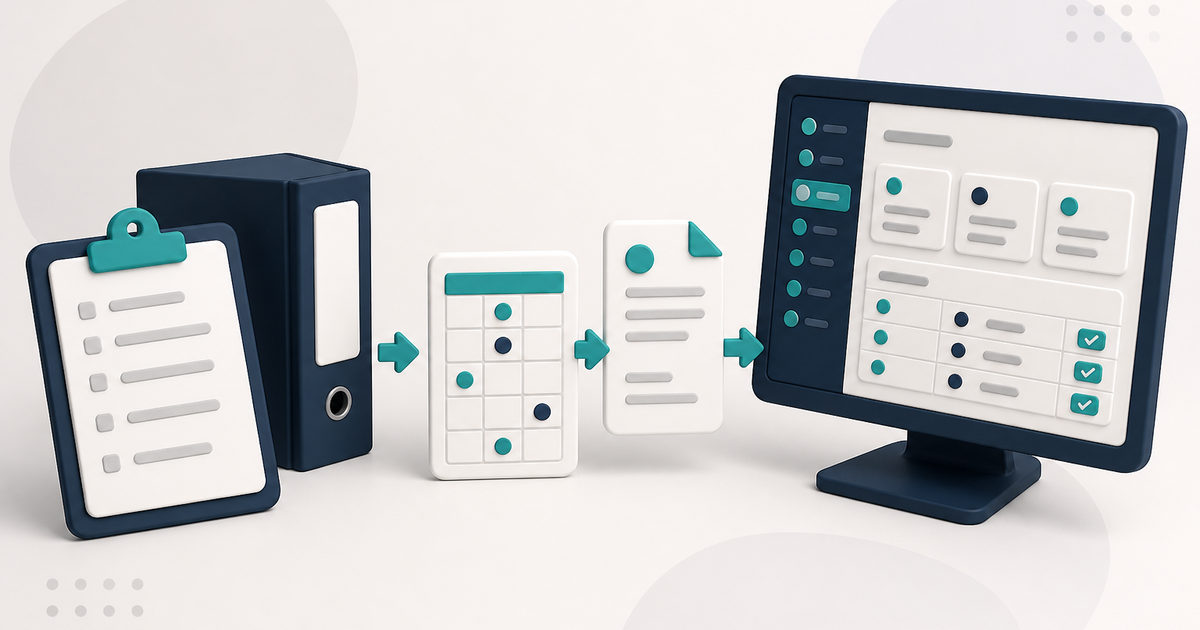
Paper can work well for a small adult day care operation. The problems begin when the same service date has to be reconstructed from several places: a transportation sheet, a meal log, a client chart, a claim, and response reports.
Moving to software becomes useful when keeping those records synchronized takes more time and effort than the simplicity of the paper process saves.
Attendance and billing should describe the same service date
In ElderSuite, Attendance & Transportation Records is the daily service record. Saving a client's attendance for a service date creates the associated Pending claim, and ElderSuite calculates units from the recorded times using the client's Payment Type. Billing staff can also adjust the calculated Units value when editing an eligible claim from Scrub Claims.
That reduces the need to recreate the same service hours in a separate billing record.
How to Record Attendance and Transportation Times in ElderSuite covers the daily workflow.
Paper can still be used where it makes sense
Moving to software does not require abandoning paper. Drivers can still use a printed Form 3682 route sheet. Staff can still mark meal logs on paper. Physicians can still sign printed forms.
ElderSuite provides a defined route back into the system: Scan Times for handwritten transportation times, Scan Meals for marked meal logs, and the appropriate document list for signed client, employee, or provider paperwork.
Signed paperwork needs a predictable home
ElderSuite uses separate document lists for Client Documents, Employee Documents, and Provider Documents. The ElderSuite Scan Manager is the scanning tool used from those workflows; it is not a separate filing location.
How to Scan Documents into ElderSuite explains the document workflow.
Staff handoff is easier when access is assigned individually
Paper processes can depend heavily on one person knowing which binder, stack, or version is current. ElderSuite allows each employee to have an individual login and a saved set of named permissions.
Provider-account credentials grant Full Access. Employee credentials grant Limited Access according to the permissions saved on that employee record.
How to Add Employees and Set Permissions in ElderSuite covers that setup.
Billing becomes part of the same workflow
The Claim Center organizes claim work into Scrub Claims, Process Claims, View Reports, and Reconcile Claims.
Scrub Claims is required before submission. Run Scrub & Fix, resolve every scrub error, rerun the scrub until the claims are error-free, and save the scrubbed claims before opening Process Claims.
After the claims have been scrubbed successfully, Process Claims builds and transmits the electronic claim batch through Availity or TMHP. A successful upload moves the included claims to Submitted, while clearinghouse acceptance remains separate from the payer's final payment decision.
Know what ElderSuite does not replace
ElderSuite is a Windows desktop application rather than a native browser or mobile application. It does not process private-pay cards or ACH, and it does not provide an employee payroll time clock.
It also does not replace state licensing rules, payer policies, or document-retention requirements. The center remains responsible for keeping the signed paper or external evidence its program requires.
Signs that paper may be becoming the bottleneck
- Billing repeatedly retypes service hours that staff already documented.
- Signed paperwork is difficult to locate in the correct chart.
- Staff cannot easily tell which version of a daily record is current.
- Attendance, meal, and billing records for the same date disagree.
- The center depends on one employee's memory to reconstruct prior work.
If those problems are routine rather than occasional, management software can reduce duplicate entry and make the service record easier to trace.
For the broader comparison, read Adult Day Care Software: The Complete Guide for 2026.
Follow ElderSuite in Google
Add ElderSuite as a Preferred Source to help Google show you more of our adult day care articles, industry updates, and resources.
If paper records are creating repeated re-entry or reconciliation work, read the 2026 complete guide and compare the workflow with your center.
ElderSuite is adult day care software for attendance, Medicaid billing, nursing documentation, and CACFP. You can try it free for 30 days.
Start a Free Trial
