
Adult Day Care Assessments: A Practical Guide to Staying Organized
Keep activity, nursing, and health assessments current by type. ElderSuite stores the records and printouts. Your state and license set the schedule — not a national calendar.
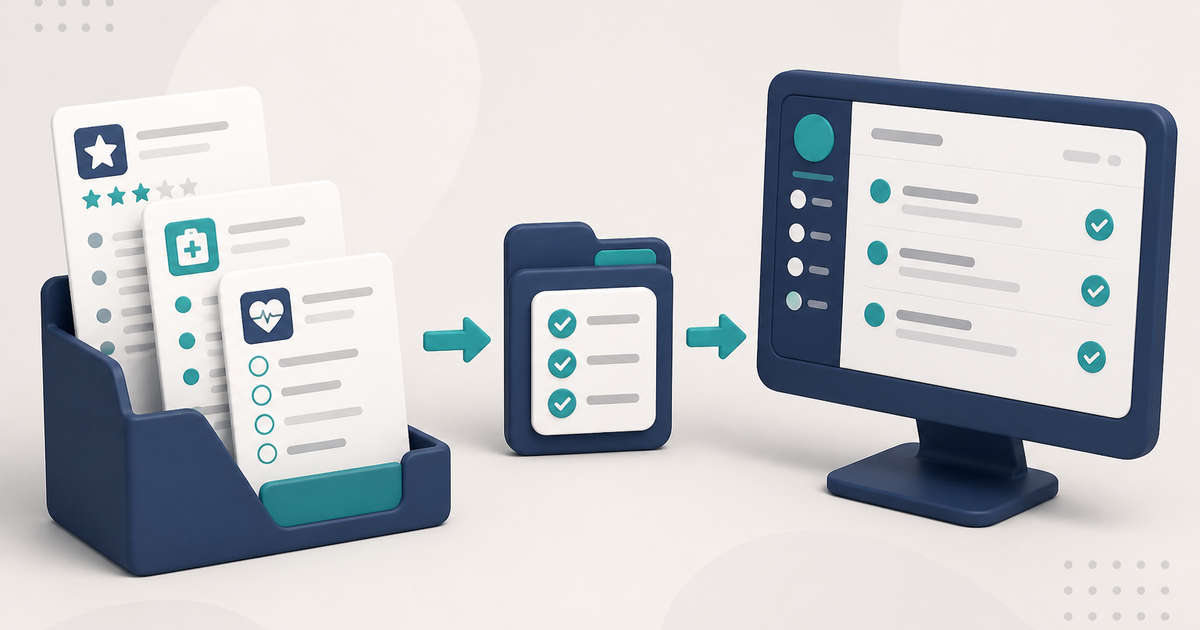
Watch the video walkthrough
Adult day care assessments are easier to manage when staff keep each record type in the correct place and use the schedule that actually applies to that center. Activity assessments, health assessments, nursing assessments, physician orders, social-history records, and case-information records are separate record types with different purposes.
ElderSuite stores and prints these records, while assessment frequency and signature requirements come from the center’s state, license, payer, and program rules.
For an overview of how these records fit together in the software, see documentation and recordkeeping in ElderSuite.
Keep each assessment in its own list
Client Center contains records such as Monthly Activity Assessments, Social History Assessments, and Case Information Assessments.
Nursing Center contains Health Assessment & Service Plans, Monthly Nursing Assessments, and Physician’s Orders.
An Activity Assessment and a Monthly Nursing Assessment are different records. Form 3050 is the Health Assessment & Service Plan, not the monthly nursing assessment.
Know what “current” means for the record you are reviewing
For an Activity Assessment, the client and a complete date are enough for ElderSuite to save the record, but the ratings and narrative fields still need to be reviewed for the current period.
For the Monthly Nursing Assessment, the four pages belong to one record and are saved together. A client and complete Assessment Date are required for saving and printing.
Form 3050 is the Health Assessment & Service Plan. Vital signs, when recorded, belong on the applicable assessment rather than on a separate vitals screen.
Physician’s Orders are separate records. ElderSuite prints and stores them; it does not send them to the physician. Signed copies should be filed with the client according to the center’s documentation process.
Use the Intake Check List as a saved-record indicator
The Intake Check List on the client-list panel tracks five saved-record indicators: Case Information, Health Assessment & Service Plan, Physician’s Order, Meal Application, and Social History Assessment.
Those indicators show that matching records exist. They do not determine which records a center is legally required to maintain, and they do not prevent attendance when one is missing.
File signed documents on the client
Signed assessments and physician orders can be stored with the client in Client Documents.
From the Client List, highlight the client and open Manage Client Documents. Use Scanner for paper or Local Files for an existing PDF, enter a clear Title, and finish with Save & Close.
How to Scan Documents into ElderSuite covers that workflow.
Recurring behavior is record-specific
Several ElderSuite records support recurring schedules, and the creation behavior differs by record type.
Use the operating guide for the specific record being scheduled because Activity Assessments, Health Assessments, Monthly Nursing Assessments, Social History records, Case Information records, and Meal Applications do not all use the same recurring behavior.
A recurring schedule is an organizational aid. It does not replace the center’s compliance calendar, and a generated copy still needs to be reviewed for the current period.
Print-by-date-range shows records that exist
Print by Date Range on the Activity Assessment list can gather existing assessments across clients for a period of up to 31 days and combine them into one document. The Health Assessment and Monthly Nursing Assessment lists provide their own date-range printing workflows.
These print commands show records that already exist; they do not identify clients who are missing an assessment.
Use the operating guides for the exact screen
Follow ElderSuite in Google
Add ElderSuite as a Preferred Source to help Google show you more of our adult day care articles, industry updates, and resources.
For help with a specific ElderSuite screen, open Ask Eddie inside ElderSuite. For assessment schedules and signature requirements, follow the rules that apply to your center’s state, license, payer, and program.
ElderSuite is adult day care software for attendance, Medicaid billing, nursing documentation, and CACFP. You can try it free for 30 days.
Start a Free Trial
