
Adult Day Care Software Features: What Does Your Center Actually Need?
You do not need every adult day care software feature. Decide whether your program needs attendance, nursing, meals, claims, documents, reports, and named staff access.
Watch the video walkthrough
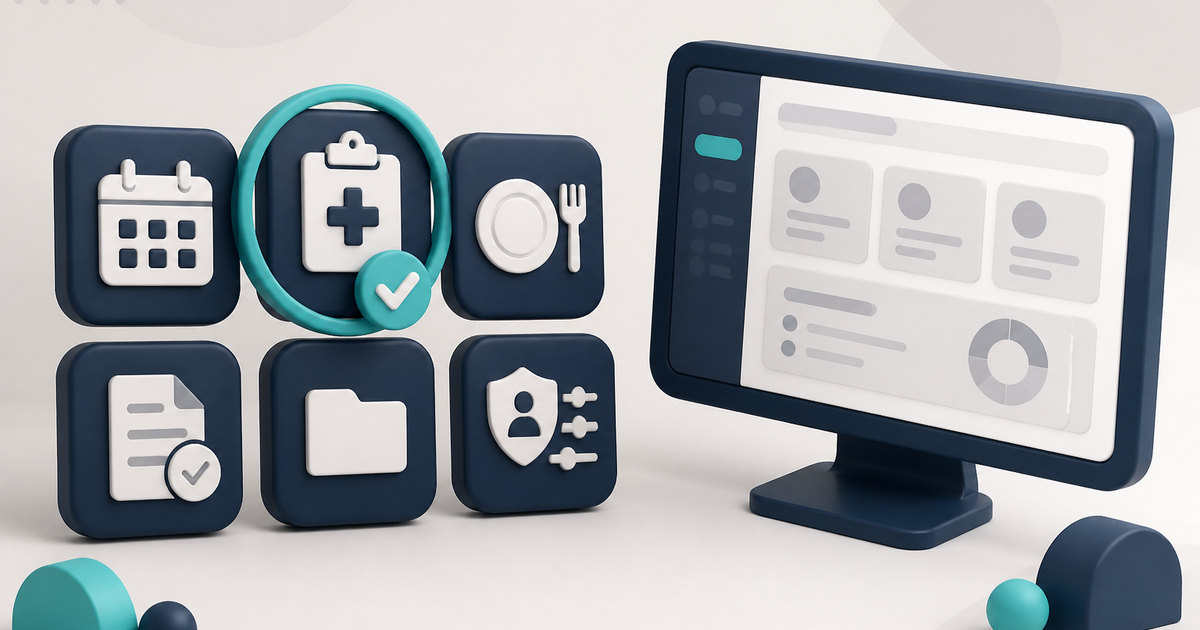
Adult day care software does not need every feature on the market. It needs the features that match the work your center actually performs: client records, attendance, transportation, nursing, meals, claims, documents, reports, and staff access.
Start with the workflows your center uses every week. For the broader buying framework, read Adult Day Care Software: The Complete Guide for 2026.
Start with the client and the service date
Every later workflow depends on a client record and the correct service date.
In ElderSuite, Client Information is maintained from the Client Center. Operationally important fields such as Start Date and Payment Settings should be completed before staff begin entering live attendance.
Attendance and transportation
If your center bills by time or needs reliable daily documentation, attendance should be a core requirement.
On Attendance & Transportation Records, ElderSuite calculates Units from the recorded times using the unit definitions on the client’s Payment Type. When a claim is edited from Scrub Claims, the calculated Units value can also be adjusted manually when needed.
If the center operates transportation routes, ElderSuite also maintains route assignments and pickup order in the Client Center. Printed Form 3682 sheets can be completed by hand and scanned back through Scan Times for review before Save & Close.
How to Record Attendance and Transportation Times in ElderSuite covers the daily grid. For the product page covering this area, see adult day care attendance software.
Nursing and clinical documentation
Centers that maintain diagnoses, medications, physician’s orders, nursing notes, or nursing assessments need a clinical record that stays with the client.
In ElderSuite, that work lives in the Nursing Center. Vital signs are recorded on the applicable assessment rather than on a separate vitals screen. Activity Assessments are different records and remain in the Client Center.
Meal tracking and CACFP-related records
Centers that serve meals need per-client meal records. Centers participating in a food program may also need eligibility paperwork and reimbursement reports.
In ElderSuite, Meal Records tracks Breakfast, Morning Snack, Lunch, and Afternoon Snack. Calculate Meals can use the day’s attendance times to fill the meal boxes for review, but it does not save the day automatically.
A Meal Application is separate from the client’s Meal Type. Completing the application does not automatically set Free, Reduced, or Paid.
Insurance claims and clearinghouse workflow
If the center bills Medicaid or managed-care plans, look for a billing workflow that begins with the same service record staff already entered.
In ElderSuite, saving attendance creates the associated claim as Pending. The Claim Center then provides Scrub Claims, Process Claims, View Reports, and Reconcile Claims.
Scrub & Fix must be completed before submission. Resolve every scrub error, rerun the scrub until the errors clear, and save the scrubbed claims. After the claims have been scrubbed successfully, use Process Claims to build and transmit the eligible electronic claim batch.
ElderSuite supports electronic submission through Availity and TMHP. Clearinghouse acceptance is not the same as payer payment.
Document storage
Signed client paperwork, employee records, and provider documents need different destinations.
ElderSuite provides Client Documents, Employee Documents, and Provider Documents. Attendance sheets and meal logs use their own scan workflows instead of being filed as ordinary documents.
Reports
The Report Center organizes Provider, Client, Nursing, and Nutrition reports. Reports read saved records and produce the printouts or viewer documents staff need.
Individual staff access
If more than one person uses the software, individual logins and controlled access matter.
ElderSuite does not use broad role names. Employee records can have their own User Login Info and named permissions. Provider-account credentials grant Full Access; employee credentials grant Limited Access according to the saved permission list.
Deployment and product limits
ElderSuite is a Windows desktop application. It is not a native macOS, browser, or mobile application.
It does not provide an employee payroll time clock and does not process private-pay credit cards or ACH. Those are separate needs to evaluate if your center requires them.
Choose features by workflow, not by brochure length
The right feature set is the one that supports the work your center actually performs and keeps related records connected. A long checklist of unrelated features is less useful than a clear demonstration of how one service date moves through attendance, documentation, reporting, and billing.
Follow ElderSuite in Google
Add ElderSuite as a Preferred Source to help Google show you more of our adult day care articles, industry updates, and resources.
Once you identify the workflows your center needs, read the 2026 complete guide to see how those areas work together in ElderSuite.
ElderSuite is adult day care software for attendance, Medicaid billing, nursing documentation, and CACFP. You can try it free for 30 days.
Start a Free Trial
