
Adult Day Care Billing Software: What Providers Should Look For
Adult day care billing software should keep claims tied to daily attendance, review billing data before submission, transmit through the correct clearinghouse, and reconcile payer results.
Watch the video walkthrough
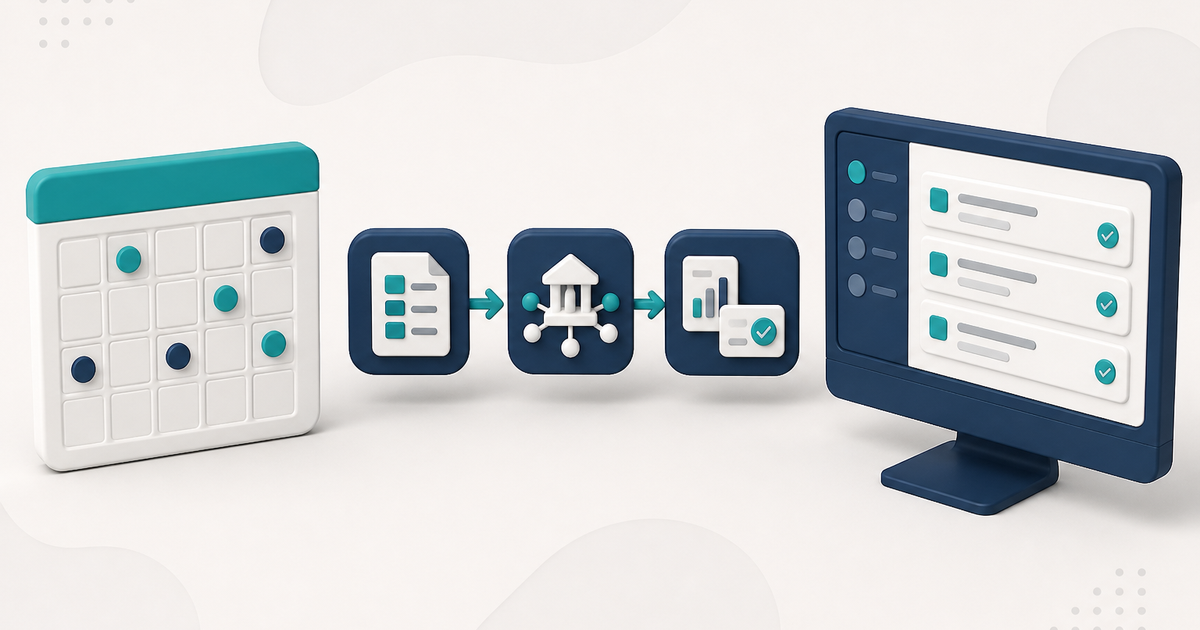
Adult day care billing often begins with a service date: who attended, when they arrived and left, what units those times produce, and which payer that day belongs to. A connected billing workflow keeps those records together instead of asking staff to retype the same day on a separate claim.
For ElderSuite’s complete billing workflow, see Adult Day Care Billing Software.
Keep attendance, units, and the claim connected
Ask whether attendance and billing are separate records or one workflow.
In ElderSuite, saving Attendance & Transportation Records for a client on a service date creates that day’s claim with status Pending. On the attendance grid, ElderSuite calculates Units from the paired pickup and drop-off times and the unit definitions on the client’s Payment Type. When a claim is edited from Scrub Claims, the calculated Units value can be adjusted manually when needed.
Payment settings should therefore be correct before staff begin recording service dates. How to Add a Client in ElderSuite covers that setup, and How to Record Attendance and Transportation Times in ElderSuite covers the daily grid.
Scrub claims before transmission
Ask how the software prepares and validates the billing data before a batch leaves.
In ElderSuite, Scrub Claims is the required step before Process Claims. Scrub & Fix works with Pending claims, copies missing billing values from the client record when available, refreshes the pay rate, calculates an amount when the current amount is zero, and flags claims that still need attention. It does not invent units, birth dates, or addresses.
Resolve every scrub error and save the scrubbed claims before moving to Process Claims. The corrections remain on screen until they are saved. How to Scrub Claims in ElderSuite covers the operating steps.
Know exactly where electronic claims are sent
Ask which clearinghouses are supported and how claim status changes when an upload succeeds or fails.
After claims have been scrubbed successfully, ElderSuite uses the Process Claims Wizard to gather the matching Pending, error-free claims, build the electronic professional-claim transaction, and upload the batch. Claims move to Submitted only after a successful upload. If the upload fails, they remain Pending.
The clearinghouse choice must match the payer’s actual routing. Traditional Texas Medicaid / DAHS fee-for-service claims use TMHP; payers that accept claims through Availity use the Availity path. Confirm payer routing before transmitting.
How to Process Claims in ElderSuite covers the wizard.
Separate transmission success from payer payment
A successful upload only proves that the electronic transmission completed. Clearinghouse acceptance, payer acceptance, denial, rejection, and payment are different stages.
In ElderSuite, View Reports is where staff download and open available billing reports. Those reports should be reviewed before claim statuses are changed.
Reconcile report results back to the same service record
Ask whether a later report can update the same record that was originally billed.
ElderSuite provides Auto Reconcile from an open billing report. It matches report data to ElderSuite records using the insured ID and service date, applies eligible claim-status changes, stores a claim number when the report provides one, and creates an audit note. ElderSuite also applies transition protections so certain existing statuses are not overwritten incorrectly.
Reconcile Claims provides the manual path when staff need to record an outcome themselves. How Auto Reconcile Updates Claim Statuses in ElderSuite explains the automated path.
Set up payer and provider information before the first live batch
In ElderSuite, a payer is a Payment Type. Manage Payment Types stores the payer name, clearinghouse payer ID, billing defaults, pay rate, and unit definitions.
The electronic claim also uses provider information maintained in Provider Information, including the NPI and Federal Tax ID. Changing provider identifiers in ElderSuite does not update Medicaid, an MCO, NPPES, or another outside enrollment system. Coordinate those changes before billing under new identifiers.
Confirm the product limits too
- ElderSuite prepares and transmits claims; the payer adjudicates them.
- ElderSuite does not process private-pay credit cards, ACH, or point-of-sale payments.
- ElderSuite provides two CSV exports — Export Client Records and Export Claims — rather than a bulk export of every record type.
What to ask in the demonstration
Have the vendor show one real service date from attendance through units, scrubbing, submission, reports, and reconciliation. The important question is whether the same service record remains traceable throughout the workflow.
Follow ElderSuite in Google
Add ElderSuite as a Preferred Source to help Google show you more of our adult day care articles, industry updates, and resources.
See the complete ElderSuite billing workflow on the Adult Day Care Billing Software page, or open Ask Eddie inside ElderSuite for help with a specific billing screen.
ElderSuite is adult day care software for attendance, Medicaid billing, nursing documentation, and CACFP. You can try it free for 30 days.
Start a Free Trial
