
Adult Day Care Meal Tracking and CACFP Documentation
Know how adult day care meal tracking and CACFP documentation split eligibility paperwork, daily meal checks, and claim counts. State and sponsor rules vary.
Watch the video walkthrough
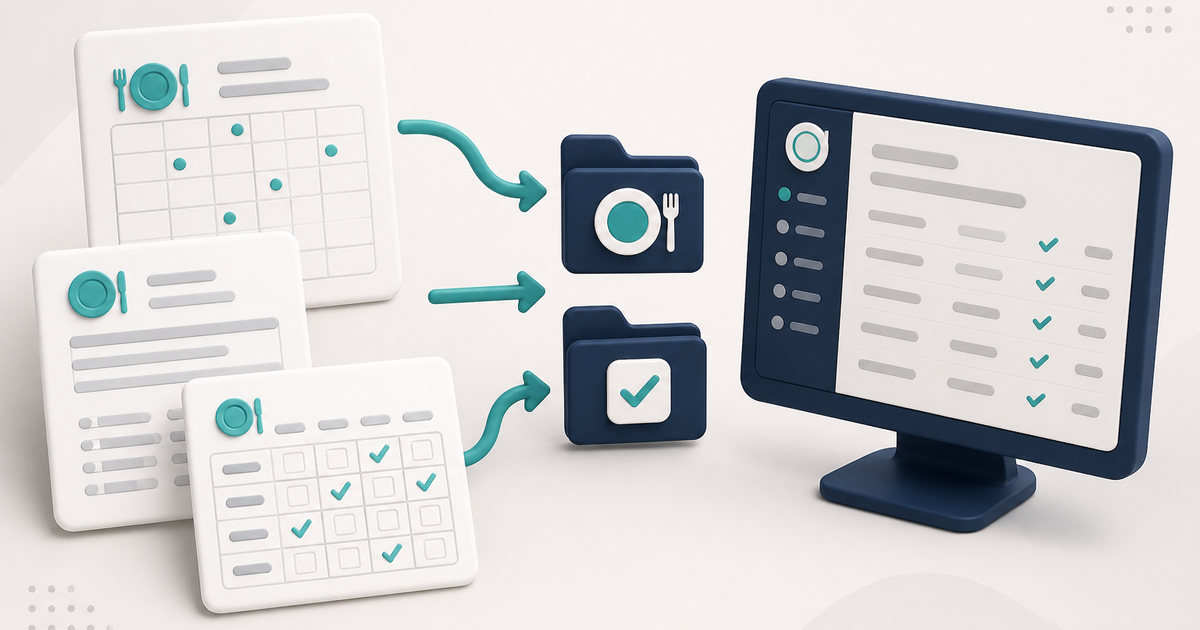
Adult day care meal tracking involves several different records: the client’s eligibility paperwork, the daily record of meals actually served, and the reports used for reimbursement or program documentation. These records serve different purposes and should remain separate.
Requirements vary by state agency, sponsor, and food program. ElderSuite records and prints the information entered by the center; eligibility rules and meal-pattern requirements come from the program authority.
Meal Application and Meal Type are different records
A Meal Application in the Nutrition Center stores and prints the Meal Benefit Income Eligibility form.
ElderSuite does not calculate the client’s Free, Reduced, or Paid category from that application. Staff set Meal Type on the client record, and the reimbursement claim uses that value.
How to Complete a Meal Application in ElderSuite covers the operating steps.
Daily meals are recorded per client
Meal Records shows one service date at a time. Each client row includes Breakfast, Morning Snack, Lunch, and Afternoon Snack.
The daily totals come from those individual meal marks rather than from a manually typed total.
Calculate Meals can use attendance times
Calculate Meals uses the center’s configured meal times and the client’s attendance times to fill eligible meal boxes on the screen.
It skips clients without attendance times and does not save the day automatically. Staff review the result and use Save & Close to store it.
How to Calculate Meals from Attendance Times explains that workflow.
Meal Records and attendance share the daily service record
Meal data is associated with the same daily service record used for attendance and claims. Meal Records does not write attendance times or calculate the service units itself.
If a meal is saved before attendance exists, ElderSuite can create a Pending daily record with the meal information while the attendance times and billing values remain incomplete. Staff still need to complete the attendance record when the client actually attended.
Use Scan Meals for marked meal logs
Printed meal-count logs can be completed by hand and read back through Scan Meals. This is a different workflow from Scan Times and from Client Documents.
The scan process is used to read meal marks into Meal Records. It is not the ordinary document-filing path for a signed Meal Application or other client paperwork.
How to Scan Daily Meal Records into ElderSuite covers the operating steps.
Recurring Meal Applications require approval at sign-in
When a recurring Meal Application becomes due, ElderSuite does not create it silently in the background. At sign-in, ElderSuite asks whether the due recurring record should be created.
If the user answers Yes, ElderSuite creates the new application, calculates the following due date, and reschedules the recurring record. If the user answers No, or nobody signs in, no new application is created.
Recurring Meal Applications can use a Monthly or Yearly schedule. When recurrence is first set up, ElderSuite also requires a Next Due Date and asks whether to Copy the original application or Convert it into the recurring record.
Reimbursement reports combine different kinds of counts
Nutrition reports can include client category counts and meal-service counts. Those numbers come from different underlying fields: Meal Type for the client’s category and Meal Records for meals served.
A client’s Free, Reduced, or Paid category does not automatically create a meal count, and a meal mark does not change the client’s Meal Type.
Use the correct authority for CACFP requirements
Use ElderSuite to maintain the records, and confirm the required eligibility forms, point-of-service documentation, meal patterns, reimbursement rules, and retention requirements with the applicable state agency or sponsor.
Follow ElderSuite in Google
Add ElderSuite as a Preferred Source to help Google show you more of our adult day care articles, industry updates, and resources.
For CACFP and other food-program requirements, follow the guidance of the applicable state agency or sponsor. For help with an ElderSuite screen, open Ask Eddie inside ElderSuite.
ElderSuite is adult day care software for attendance, Medicaid billing, nursing documentation, and CACFP. You can try it free for 30 days.
Start a Free Trial
