
Adult Day Care Documentation: Organizing Center Records
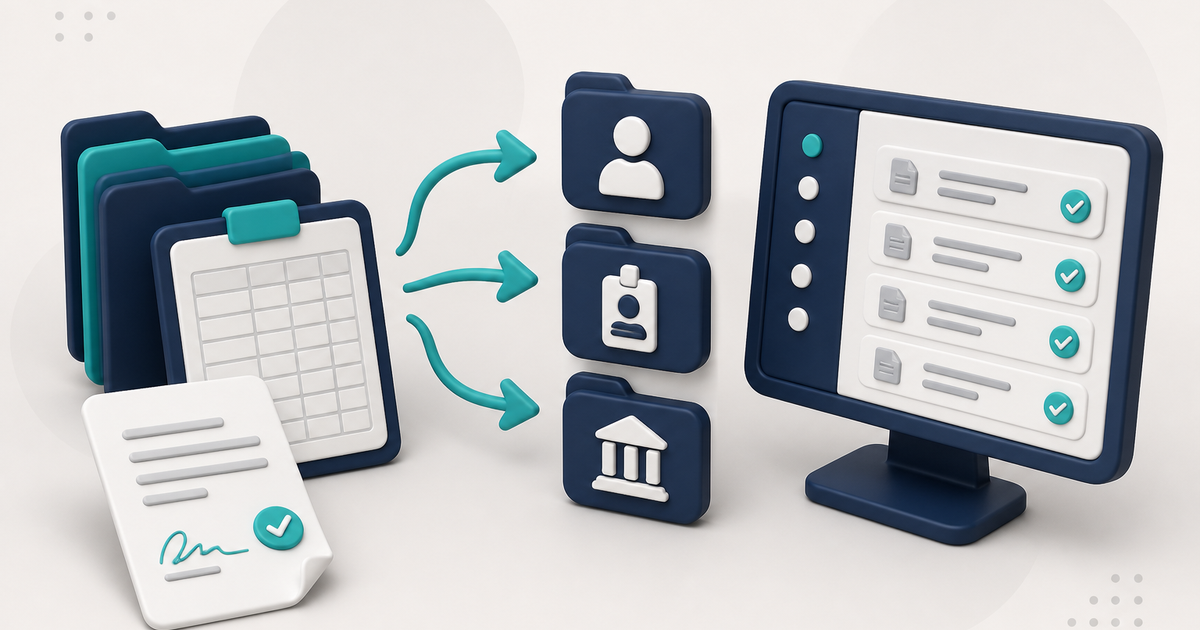
Know which records your adult day care center keeps, where they live, and that state and license rules vary. Scan signed papers into the matching destination.
Watch the video walkthrough
Adult day care documentation starts with a simple question: which records does the center need to maintain, and where should each record live so staff can find it again?
Requirements vary by state, license, payer, and program. ElderSuite form numbers identify records and workflows within the software; the authority that governs the center determines which forms, signatures, schedules, and retention periods are required.
This guide covers how the records themselves are organized. For a provider-focused overview of the software that maintains them, see adult day care documentation software.
Client information and intake records
Client Information in the Client Center stores the client’s core record, including enrollment dates, contact information, payment settings, schedule, emergency contacts, and other profile information.
The client-list panel also includes an Intake Check List that reflects whether certain matching records have been saved, including Case Information, Health Assessment & Service Plan, Physician’s Order, Meal Application, and Social History Assessment.
Those indicators show whether matching ElderSuite records exist. They do not determine which records a center is legally required to maintain.
Attendance and transportation records
Attendance & Transportation Records stores the daily service times. Saving attendance creates the associated Pending claim, and units are calculated from the times and the client’s Payment Type.
If drivers use a printed Form 3682 route sheet, Scan Times reads the handwritten times back into the attendance grid for review before Save & Close.
Attendance reports in the Report Center read saved service records; they do not create them.
Nursing and clinical records
The Nursing Center contains Health Assessment & Service Plans, Physician’s Orders, Physician’s Standing Orders, Monthly Nursing Assessments, Medications, Diagnoses, Treatments, and Nursing Notes.
Vital signs are recorded on the applicable assessment rather than on a separate vitals screen.
Signed physician orders or assessments that return on paper should be filed with the client according to the center’s documentation process. ElderSuite does not send the forms to the physician.
Activity, social-history, and case-information records
Activity participation is documented in the Client Center, not the Nursing Center. Social History and Case Information records also remain separate from nursing documentation.
Keeping these records in their correct lists prevents different kinds of assessments from being treated as interchangeable.
Meal and nutrition records
Meal Records tracks the meals served to each client on a service date. Meal Applications store the Meal Benefit Income Eligibility form. The application does not automatically determine the client’s Free, Reduced, or Paid Meal Type.
Marked meal-count logs use Scan Meals. They should not be filed through Client Documents as a substitute for the meal-record workflow.
Claims and billing records
In ElderSuite, the claim is associated with the same daily service record used for attendance. The Claim Center provides the later workflow through Scrub Claims, Process Claims, View Reports, and Reconcile Claims.
Before submission, run Scrub & Fix, resolve every scrub error, rerun the scrub until the claim is error-free, and save the scrubbed claim. After a successful scrub, use Process Claims to transmit the eligible electronic claim batch.
Clearinghouse and payer reports should be retained and reviewed according to the center’s billing procedures and payer requirements.
Employee and provider documents
Staff licenses, certificates, and other employee paperwork belong in Employee Documents. Center-level licenses, agreements, and insurance records belong in Provider Documents.
ElderSuite’s Criminal History Check shortcut opens the configured state resource; ElderSuite does not perform the background check or store the external result automatically.
Use the correct scan destination
| Document or form | ElderSuite destination |
|---|---|
| Signed client forms and chart PDFs | Client Documents |
| Employee paperwork | Employee Documents |
| Provider-level paperwork | Provider Documents |
| Handwritten Form 3682 times | Scan Times |
| Marked meal-count logs | Scan Meals |
The ElderSuite Scan Manager is the scanning tool used from these workflows. It is not a single storage location.
Exports are limited and specific
ElderSuite provides two CSV data exports: Export Client Records and Export Claims. Assessments, notes, attached PDFs, and reports use their own print, save, or document workflows.
Use outside authorities for compliance requirements
Use ElderSuite to keep the records organized, and confirm required forms, signatures, retention periods, and review schedules with the licensing agency, payer, food-program sponsor, or other authority that applies to the center.
Follow ElderSuite in Google
Add ElderSuite as a Preferred Source to help Google show you more of our adult day care articles, industry updates, and resources.
Open Ask Eddie inside ElderSuite for help with a specific record or screen. Confirm compliance requirements with the authority that applies to your center.
ElderSuite is adult day care software for attendance, Medicaid billing, nursing documentation, and CACFP. You can try it free for 30 days.
Start a Free Trial
